Design data collection forms, case report forms (CRFs) and patient questionnaires
The UKTMN advises sponsors and investigators to make paper medical records and data collection forms as attractive and easy as possible to complete. eClinical enables trial teams to develop paper data collection forms, case report forms (CRFs) and patient questionnaires that produce quality data for analysis.
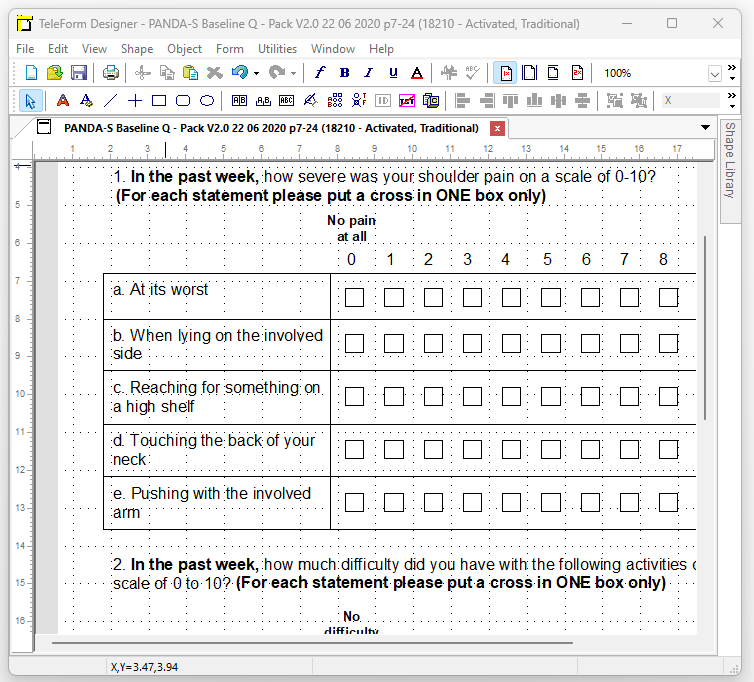
Data collection form components
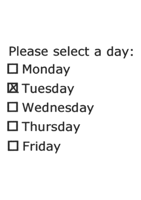
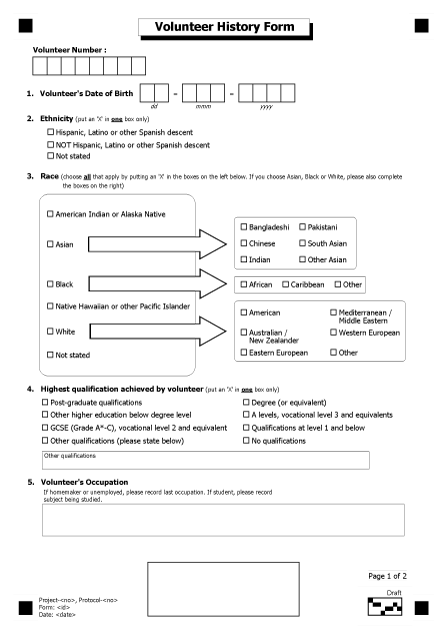
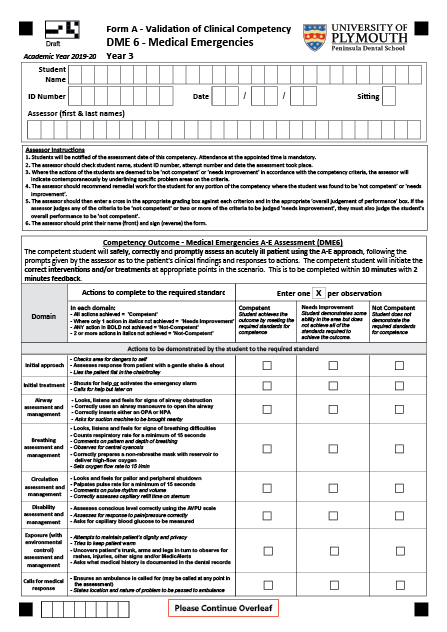
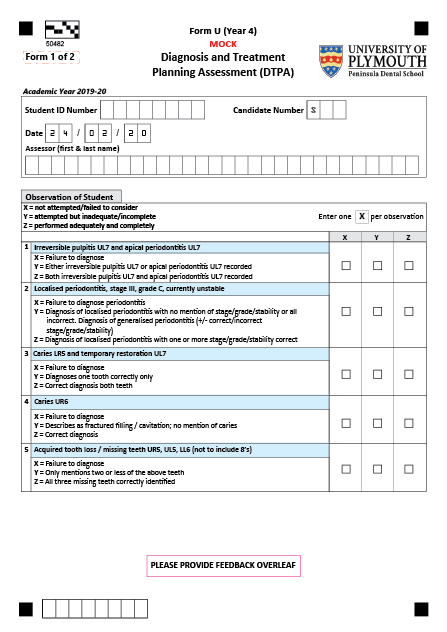
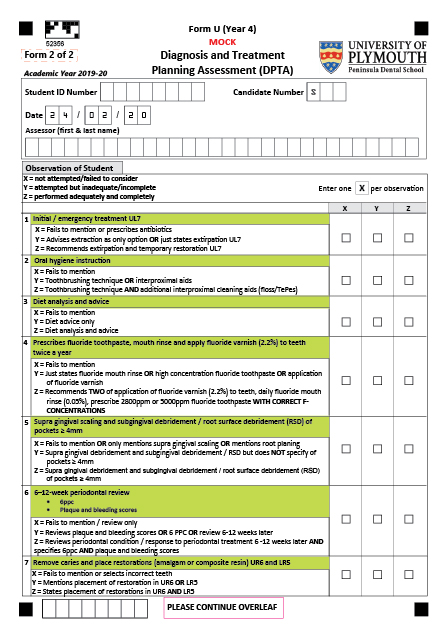
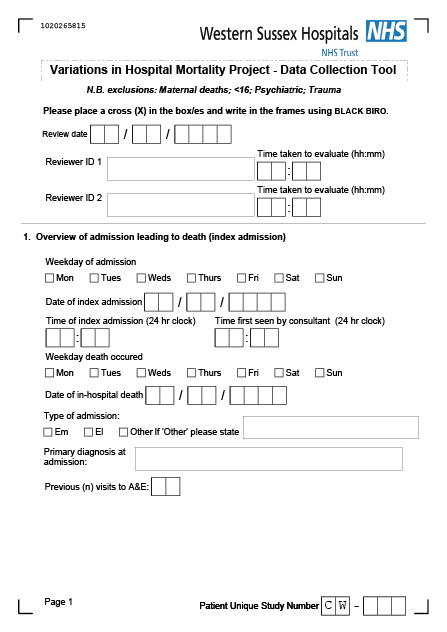
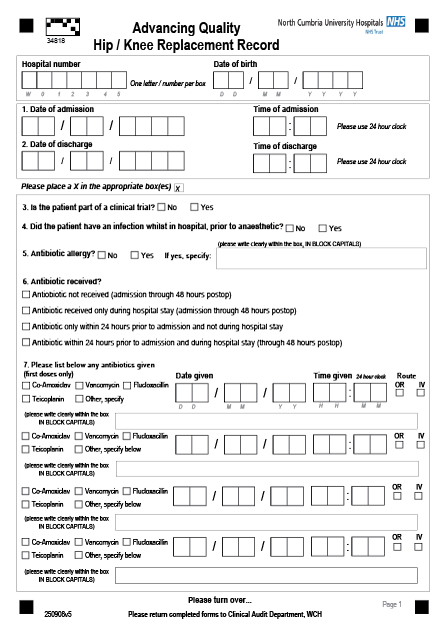
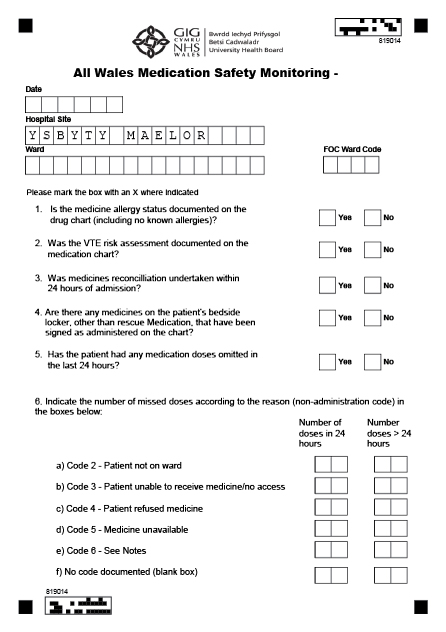
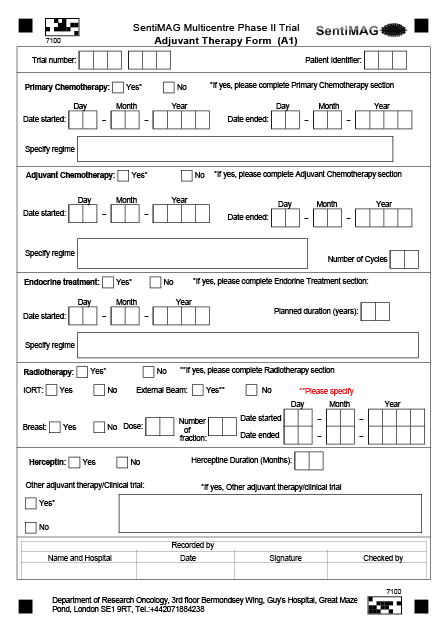
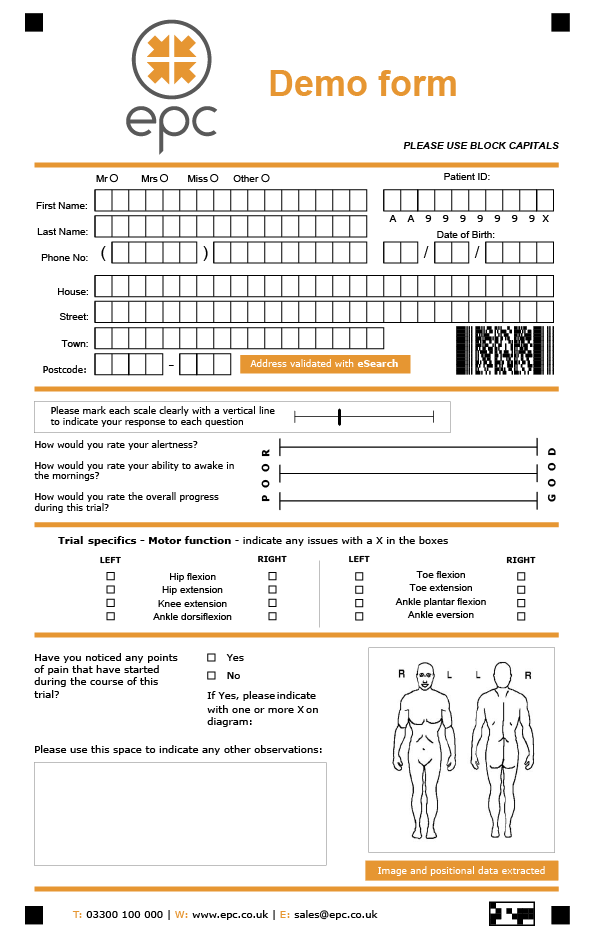
Set up simple tick boxes or multiple option tick boxes in a variety of styles.
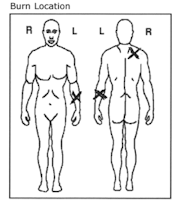
Capture images, diagrams or data from multi-line machine print labels.
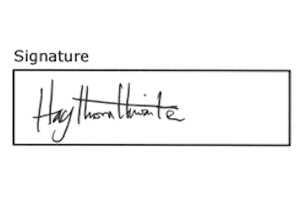
To confirm if a paper CRF has been authorised with a signature.
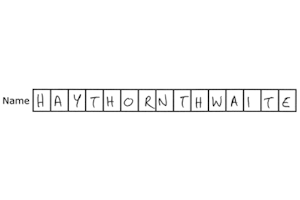
eClinical reads handwriting most effectively when it is laid out in a constrained print field, with one character per box.

For quickly capturing more complex fields such as “Other Comments:” by either predictive typing, coding or manual entry.
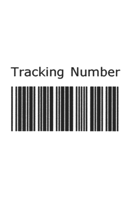
Many industry-standard barcodes can be read from scanned images, including two-dimensional barcodes such as PDF417.
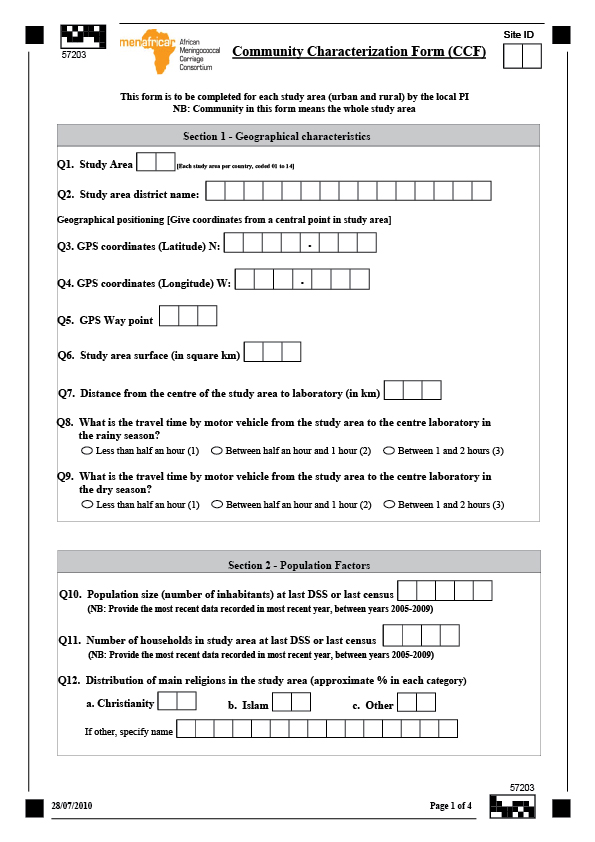
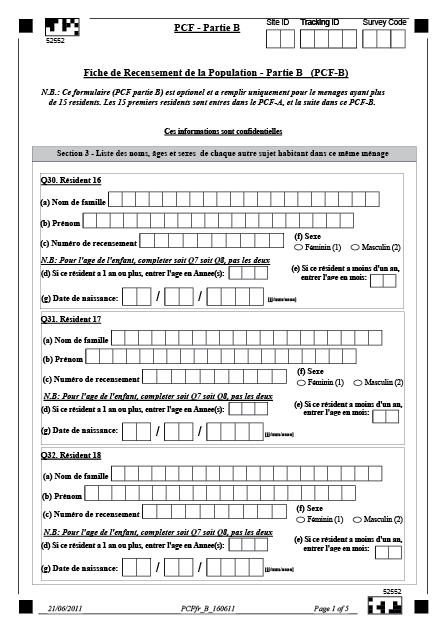
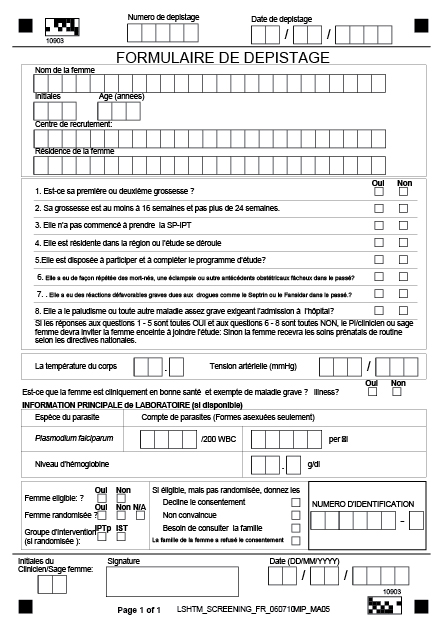
How to optimise paper CRFs and data collection forms for scanning
A well-designed paper CRF or patient questionnaire improves the processing of scanned forms and reduces manual intervention.
Choice fields
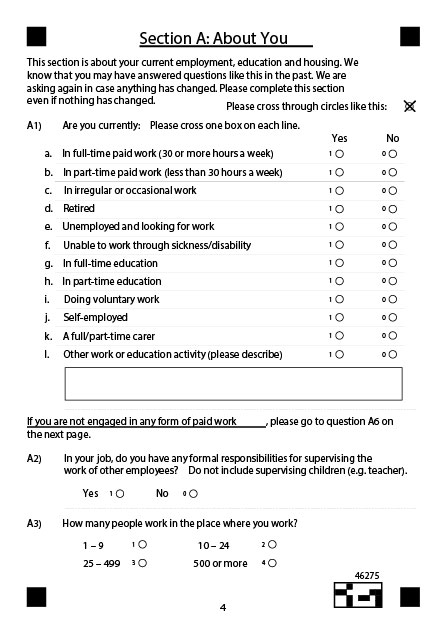
Add a choice field to your form to accept a single choice (e.g. yes/no) or multiple choice (e.g. select option A/B/C/D).
Choice Fields consist of a single column, or row, of choices and offer an array of different styles including bubbles, boxes, underlines, responses and brackets.
To improve OMR (Optical Mark Recognition) accuracy, it is recommended to use bubbles and boxes rathar than circling a response or marking within brackets.
Cornerstones
Cornerstones will assist with page alignment, de-skewing images and adjusting for print or scan size variations.
Cornerstones
Cornerstones will assist with page alignment, de-skewing images and adjusting for print or scan size variations.
Constrained print fields
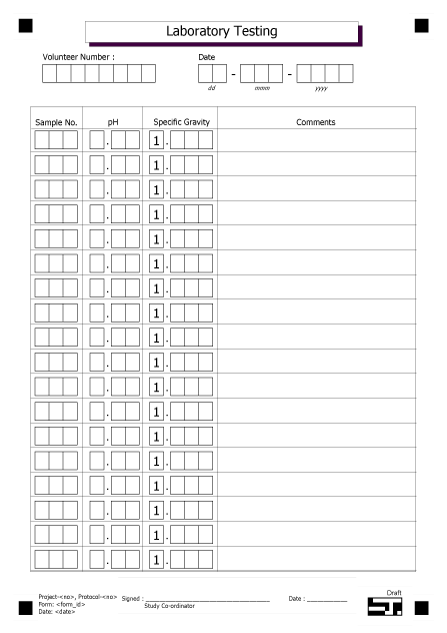
Handwriting is most effectively read by ICR (Intelligent Character Recognition) technology when it is laid out in a constrained print field, with one character per box.
Form designers can add a constrained print field to gather data such as names, dates, and numeric figures. The boxes act as guides for the person filling out the form, with one dedicated space for each letter, number or character in the response.
Capture Zones
Capture Zones are typically used to capture blocks of cursive handwriting or other unquantifiable data. They are presented to the operator to allow high-speed coding or re-keying of the content. Advanced features, such as mark identification or predictive typing, help speed up this process.
Cornerstones
Cornerstones will assist with page alignment, de-skewing images and adjusting for print or scan size variations.
Cornerstones
Cornerstones will assist with page alignment, de-skewing images and adjusting for print or scan size variations.
Image zones
Image zones can capture machine-print text, barcodes and pictures. This element is often used to capture printed address labels, barcodes or provide images of handwritten comments.
Form identification block
Barcode
Unconstrained Likert scales
An unconstrained Likert scale (named after Rensis Likert) can be used to allow respondents to provide a rating or response without subconscious bias caused by limiting ratings to pre-defined values within a range.