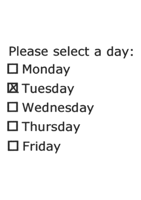
Choice fields
Set up simple tick boxes or multiple option tick boxes in a variety of styles.
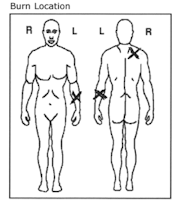
Image zones
Capture images, diagrams or data from multi-line machine print labels.
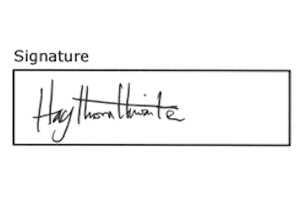
Signature zones
To confirm if a paper CRF has been authorised with a signature.
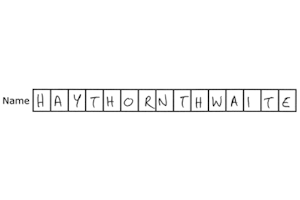
Constrained print fields
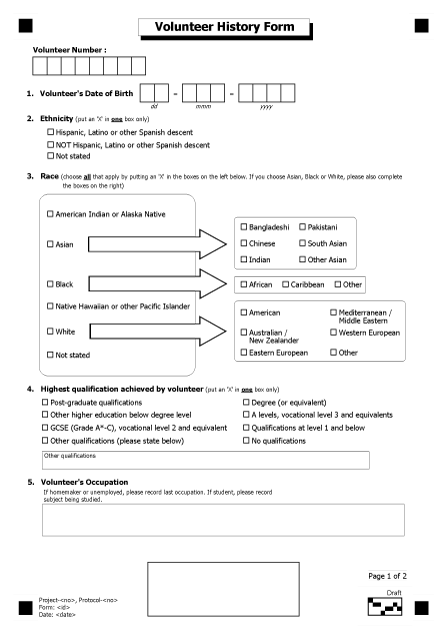
eClinical reads handwriting most effectively when it is laid out in a constrained print field, with one character per box.
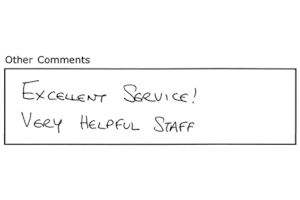
Capture zones
For quickly capturing more complex fields such as “Other Comments:” by either predictive typing, coding or manual entry.
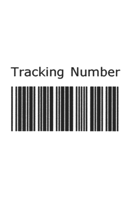
Barcodes
Many industry standard bar codes can be read from scanned images including two dimensional bar codes such as PDF417.
Paper CRF/questionnaires library
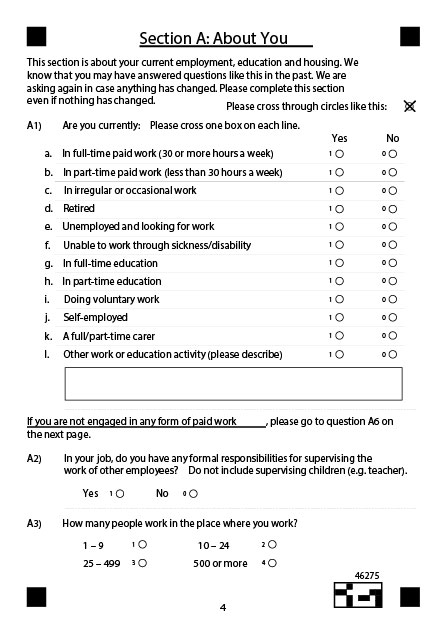
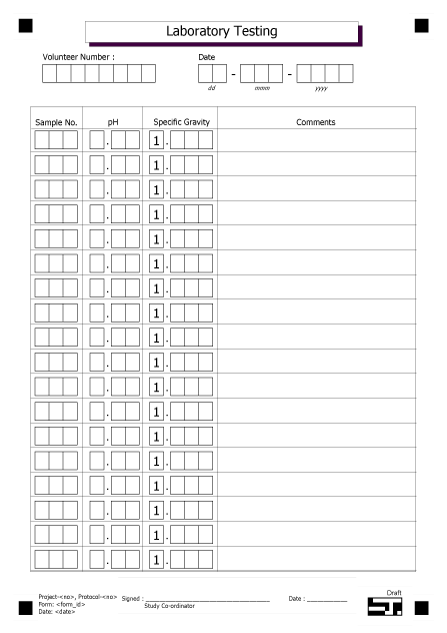
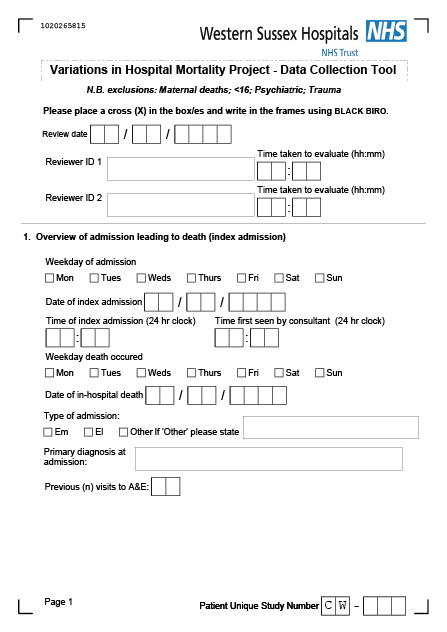
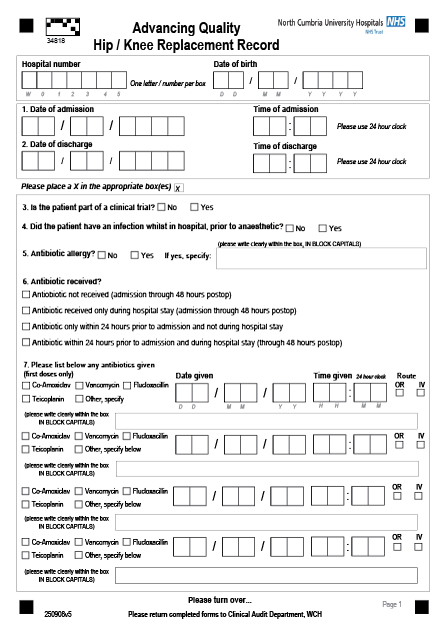
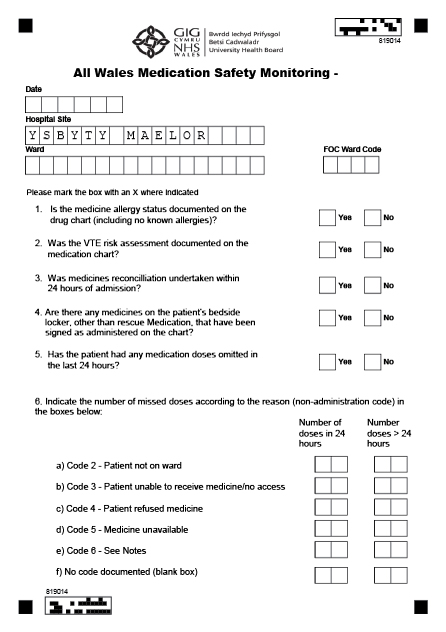
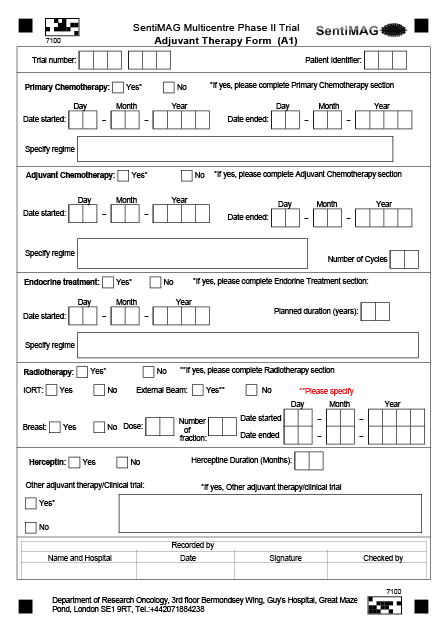
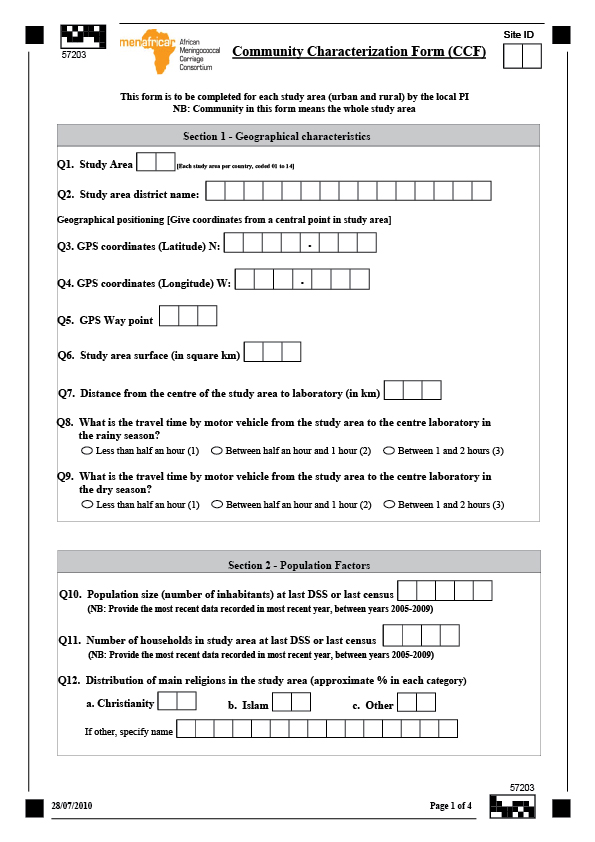
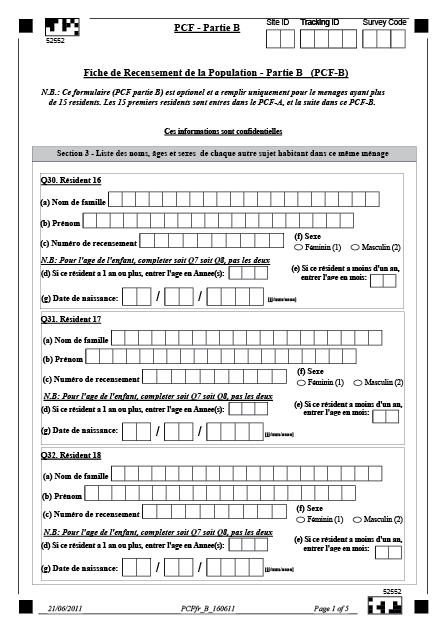
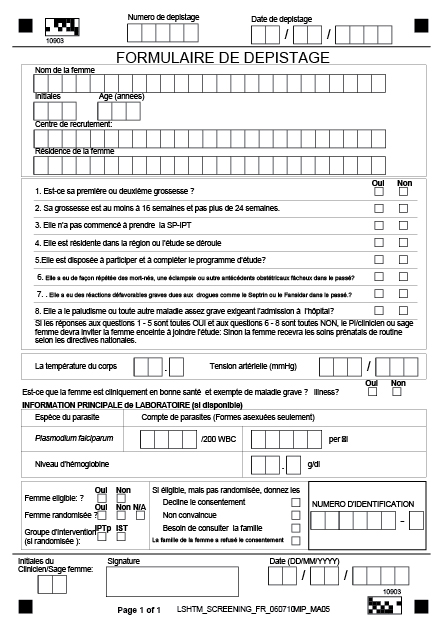
If you want to learn more about designing data capture forms and CRF development, or wish to book a demonstration, please contact us.
How to optimise CRF’s and other trial forms for scanning
Choice fields
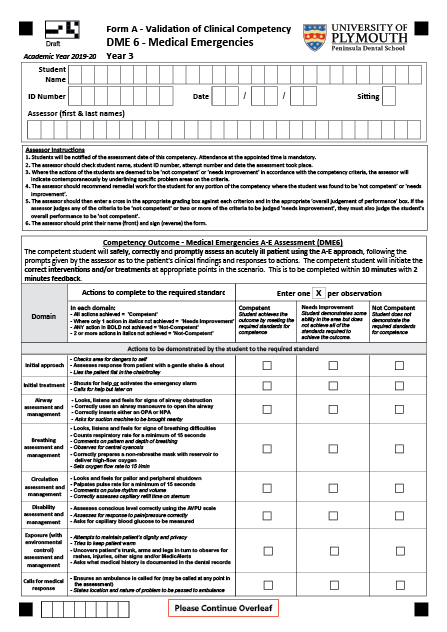
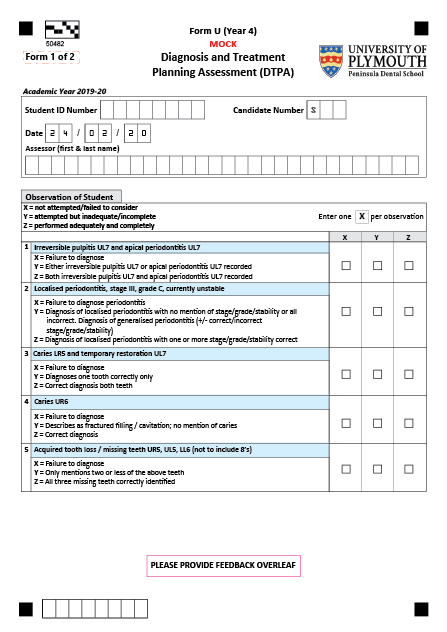
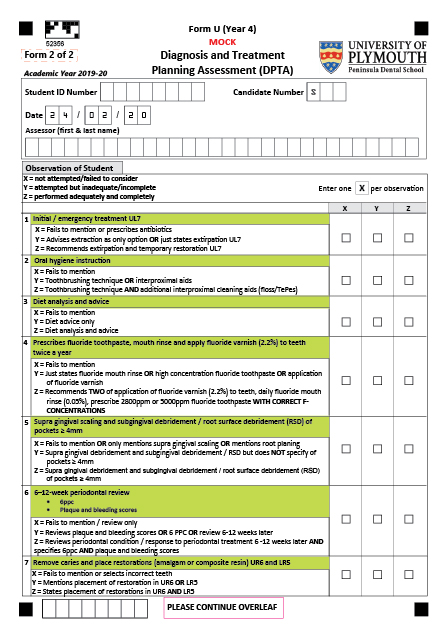
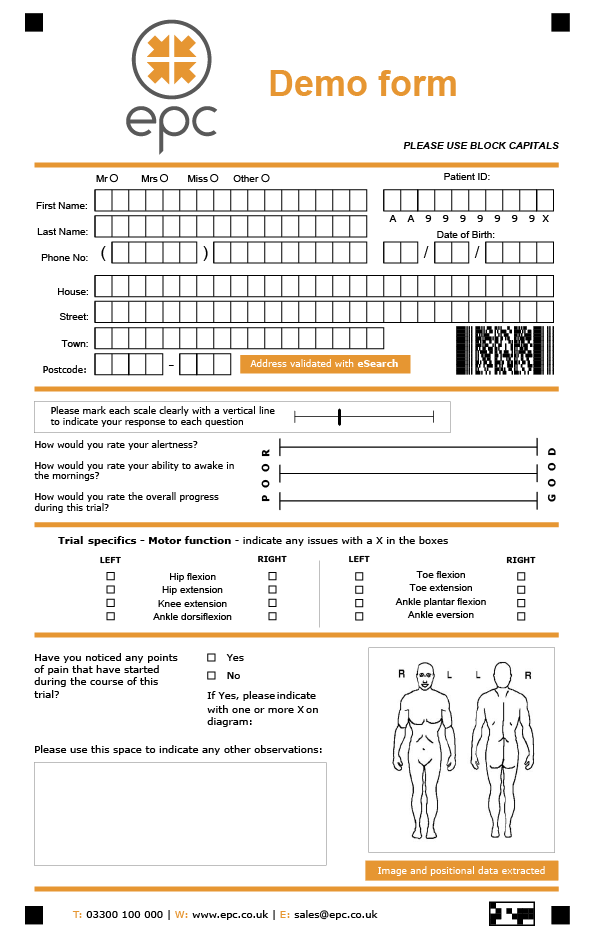
Add a choice field to your form to accept a single choice (e.g. yes/no) or multiple choice (e.g. select option A/B/C/D).
Choice Fields consist of a single column, or row, of choices and offer an array of different styles including bubbles, boxes, underlines, responses and brackets.
To improve OMR (Optical Mark Recognition) accuracy, it is recommended to use bubbles and boxes rathar than circling a response or marking within brackets.
Cornerstones
Cornerstones will assist with page alignment, de-skewing images and adjusting for print or scan size variations.
Cornerstones
Cornerstones will assist with page alignment, de-skewing images and adjusting for print or scan size variations.
Constrained print fields
Handwriting is most effectively read by ICR (Intelligent Character Recognition) technology when it is laid out in a constrained print field, with one character per box.
Form designers can add a constrained print field to gather data such as names, dates, and numeric figures. The boxes act as guides for the person filling out the form, with one dedicated space for each letter, number or character in the response.
Capture Zones
Capture Zones are typically used to capture blocks of cursive handwriting or other unquantifiable data. They are presented to the operator to allow high-speed coding or re-keying of the content. Advanced features, such as mark identification or predictive typing, help speed up this process.
Cornerstones
Cornerstones will assist with page alignment, de-skewing images and adjusting for print or scan size variations.
Cornerstones
Cornerstones will assist with page alignment, de-skewing images and adjusting for print or scan size variations.
Image zones
Image zones can capture machine-print text, barcodes and pictures. This element is often used to capture printed address labels, barcodes or provide images of handwritten comments.
Form identification block
Barcode
Unconstrained Likert scales
An unconstrained Likert scale (named after Rensis Likert) can be used to allow respondents to provide a rating or response without subconscious bias caused by limiting ratings to pre-defined values within a range.
If you want to learn more about hybrid paper and electronic data capture in clinical trials, or wish to book a demonstration, please contact us.